
Manage events, registrations, payments and attendance from one platform
Smart Source Event Management System helps organisations manage free and paid events, registration capacity, event microsites, QR attendance, waiting lists, reminders, payments and participant communications through one integrated cloud platform.
- Free and paid events
- Event microsites and QR codes
- Registration and waiting lists
- QR attendance and reporting
Complete Event Lifecycle Management
Manage every stage of an event, from publishing and registration to payment, attendance, communication and post-event reporting.
- Public and private events
- Free and paid registration
- Capacity and slot management
- Waiting list and cancellation handling
- Participant communication history
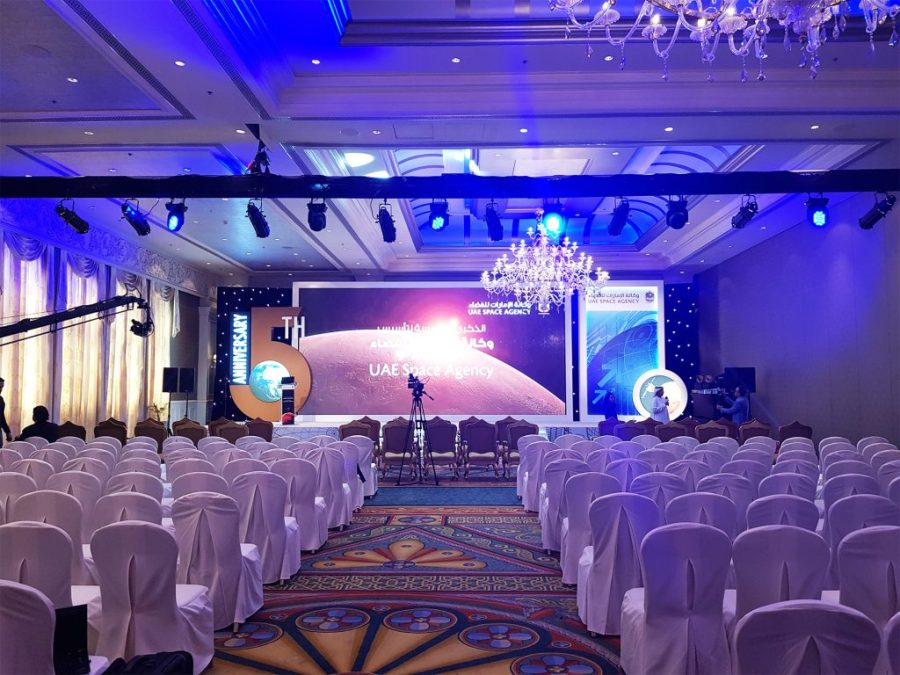
One platform for your complete event lifecycle
Replace manual registration lists, disconnected payment records and repetitive event administration with a structured event management solution. Smart Source EMS connects event details, participants, payments, attendance, communications and reporting within one secure system.
- Create and manage events with dates, venues, capacity, registration periods and event status.
- Publish event-specific registration pages and QR codes.
- Manage free, paid, invite-only and public events.
- Track registration, cancellation, attendance and waiting lists.
- Send confirmations, calendar invitations, reminders and updates.
Simplify event administration and improve participant experience
Reduce manual work, maintain accurate participant information, automate communications and give organisers clear visibility into registrations, attendance and event performance.
Everything needed to manage events and participants
Smart Source EMS connects event setup, registration, payments, participant communication, attendance, waiting lists and reporting within one integrated solution.
Event Setup and Management
Create and manage event schedules, venues, descriptions, registration periods, organisers, categories, capacity, status and participant requirements.
Event Microsites
Publish event-specific web pages containing event details, registration options, donation links, product purchases and other relevant actions.
Event QR Codes
Generate event-specific QR codes that direct users to registration pages, event information or digital attendance check-in.
Online Registration
Capture participant information through configurable registration forms for public, private, free or paid events.
Capacity and Slot Management
Configure total event capacity, available slots and registration limits with automatic updates as participants register or cancel.
Waiting Lists
Place participants on a waiting list when an event is full and manage available slots when existing registrations are cancelled.
Paid Event Management
Integrate with supported payment gateways to collect registration fees and track payment status for paid events.
Product Sales Integration
Offer related products, merchandise or event packages through event pages and capture purchases together with participant records.
QR Attendance
Record participant check-in and attendance using QR codes while maintaining an accurate event attendance history.
Calendar Invitations
Automatically send calendar invitations and event details to registered participants after successful registration.
Automated Reminders
Send registration confirmations, event reminders, schedule changes, cancellation notices and follow-up messages automatically.
Mailing Lists and Bulk Email
Build event-specific mailing lists and integrate with communication tools for participant announcements and targeted messages.
Cancellation Management
Record participant cancellations, update available slots and retain a complete registration and cancellation history.
Dashboards and Reports
Monitor registrations, attendance, cancellations, waiting lists, payments, available capacity and event performance through dashboards and reports.
Security and Audit Trail
Manage access using roles and Microsoft Entra ID while maintaining a traceable history of important event, participant and payment changes.
Flexible Event Pages
Configure each event page according to the purpose of the event and the actions available to participants.
- Show or hide registration buttons
- Show or hide donation buttons
- Show or hide product purchase buttons
- Display event date, time and venue
- Display available and total slots
- Set registration start and end dates
- Publish event-specific QR codes
Workflow and Process Automation
Automate routine event processes using Power Automate, business rules and configurable notifications.
- Registration confirmation workflows
- Payment confirmation notifications
- Calendar invitation generation
- Pre-event reminder messages
- Waiting list notifications
- Cancellation and slot release workflows
- Post-event follow-up and feedback requests
Connect events with your wider business systems
Smart Source EMS can be integrated with member management, donor management, payment gateways, Microsoft 365, websites and authorised external systems to reduce duplicate data and improve operational visibility.
- Member and client management integration
- Donor and donation management integration
- Supported payment gateway integration
- Microsoft 365 email and calendar integration
- Marketing and outreach integration
- Website and event microsite integration
- Excel, CSV and authorised API data exchange
Secure, scalable and configurable for your events
Smart Source EMS is built on Microsoft Power Platform and Dataverse. The solution can be configured around your event types, registration forms, approval processes, payment requirements, participant communications and reporting needs.
- Microsoft Power Apps for event administration
- Power Automate for workflows and notifications
- Dataverse as the centralised data repository
- Power BI-compatible dashboards and reports
- Microsoft Entra ID authentication and role-based access
- Web and mobile access through supported devices
- Configurable forms, views and business processes
A structured path from requirements to go-live
Our implementation process covers event requirements, configuration, integration, testing, training and post-deployment support.
Discover
Review event types, registration processes, payment requirements, communications and reporting needs.
Configure
Configure event forms, capacity rules, event pages, workflows, templates, security roles and dashboards.
Integrate and Test
Complete agreed integrations, test registrations, payments, attendance and automated communications.
Train and Go Live
Train event organisers and administrators, deploy the solution and provide post-go-live support.
Ready to simplify your event management operations?
Speak with our solutions team about your event types, registration process, payment requirements, attendance tracking and integration needs.
Book a Free Consultation